Key Takeaways
- Audio-only monitors are cheapest but lack visual confirmation your baby is safe
- Video monitors with a dedicated screen offer the best reliability and privacy
- Smart monitors add breathing/sleep tracking but come with WiFi security risks
- Most parents do perfectly fine with a reliable video monitor — smart features are nice-to-have, not essential
Baby monitors have evolved from simple walkie-talkies into AI-powered devices that track breathing, analyze sleep cycles, and send alerts to your phone. But with prices ranging from $30 to $400+, it's hard to know what's actually worth the money and what's just marketing hype.
Here's an honest breakdown of every type of baby monitor available in 2026, what features genuinely matter, and whether you really need a "smart" monitor.
See also: Natural Language Baby Tracking: Why Typing Beats Tapping and Postpartum Depression vs Baby Blues: Signs, Treatment & When to Get Help.
Types of Baby Monitors
There are three main categories of baby monitors, each with distinct trade-offs:
| Type | Price Range | Pros | Cons |
|---|---|---|---|
| Audio-only | $20–$50 | Simple, reliable, no WiFi needed, long battery life | Can't see baby, no visual confirmation |
| Video (dedicated screen) | $80–$200 | Visual check without entering room, no WiFi/hacking risk, reliable signal | Limited range, extra device to carry |
| Smart/WiFi monitor | $150–$400+ | Phone access anywhere, AI features, sleep tracking, breathing alerts | Depends on WiFi, privacy risks, subscription fees, false alarms |
Audio-only monitors are still a valid choice for parents who just need to hear when baby cries. They use DECT or FHSS radio frequencies, have excellent battery life (20+ hours), and zero hacking risk since they don't connect to the internet.
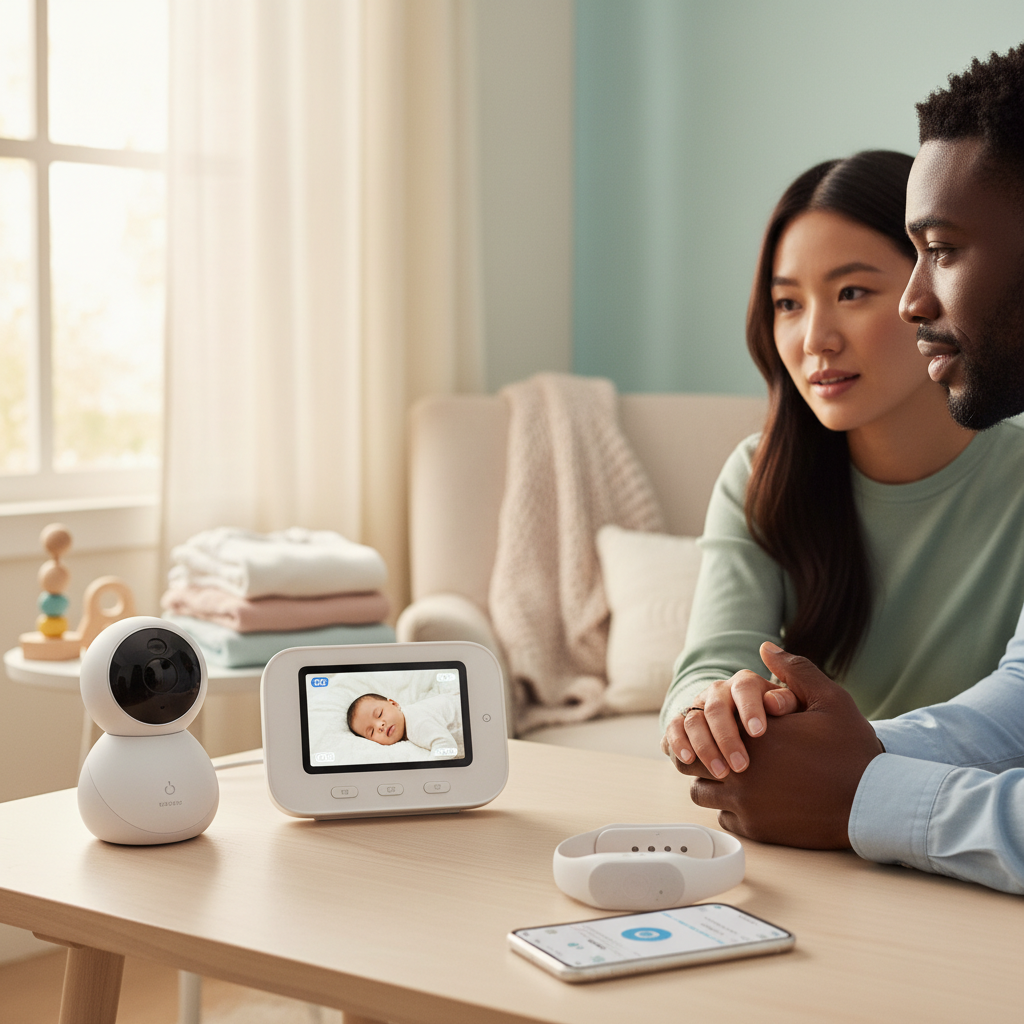
Video monitors with a dedicated parent unit are the sweet spot for most families. You get a camera with night vision and a handheld screen — no phone app, no WiFi, no subscription. The signal is encrypted between camera and screen, making them essentially unhackable.
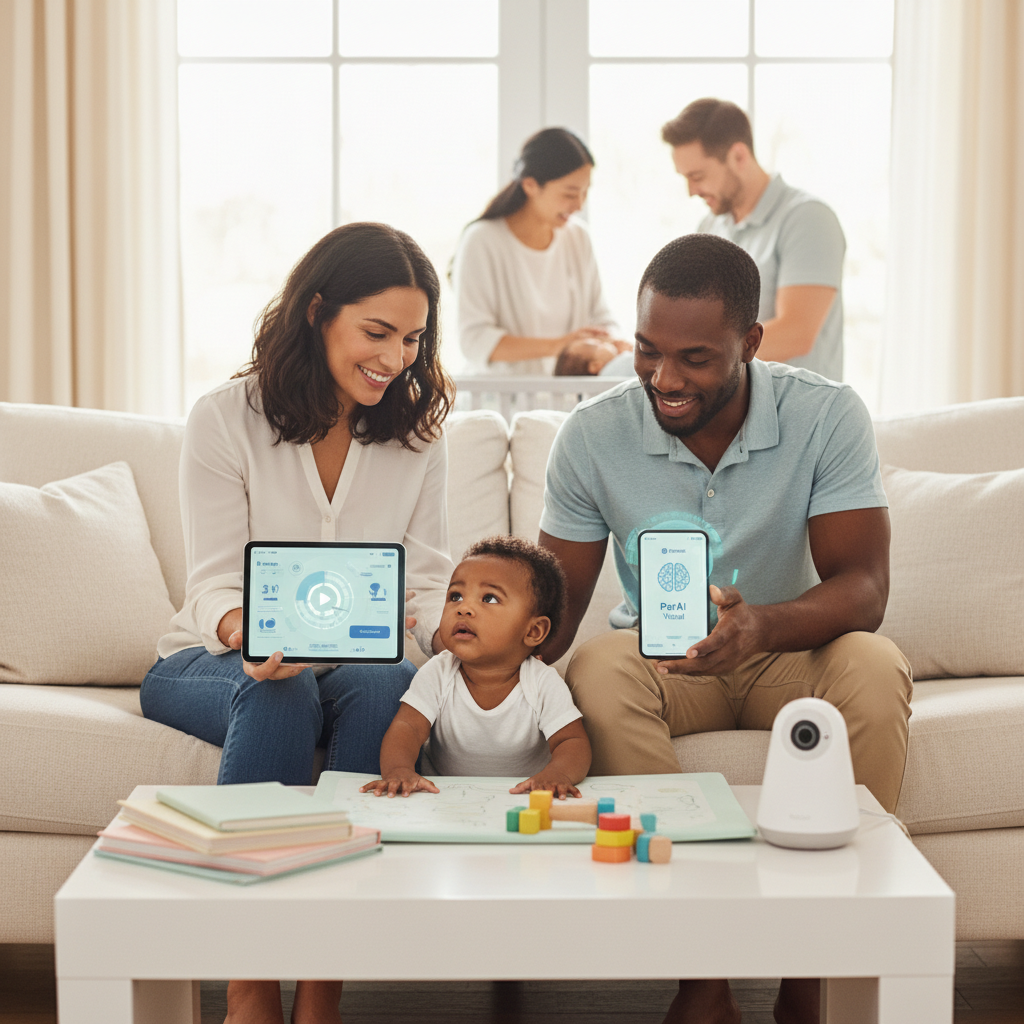
Smart monitors connect to your home WiFi and stream to your phone. They often include wearable sensors (socks, bands) that track breathing rate, heart rate, oxygen levels, and sleep patterns. Some use AI to detect cry types and predict wake-ups.
Features That Actually Matter
Regardless of which type you choose, these are the features that genuinely improve daily use:
- Night vision quality — you'll use this monitor mostly at night. Infrared LED night vision should produce a clear, sharp image. Test reviews for image quality in darkness
- Range — for a dedicated-screen monitor, 300m (1000ft) is standard. Make sure it covers your home without signal drops
- Two-way audio — lets you soothe baby with your voice without entering the room. Surprisingly effective for light wake-ups
- Room temperature sensor — safe sleep guidelines recommend 16–20°C (61–68°F). A built-in sensor with alerts is genuinely useful
- Battery life on parent unit — if it dies after 3 hours, you'll be frustrated. Look for 8+ hours or a good charging dock
- VOX mode / sound activation — screen stays off until baby makes noise, saving battery and reducing light in your bedroom
The feature that matters most
Reliability. The best monitor is one that works every single time without dropouts, false alarms, or app crashes. Read long-term reviews (3+ months of use) rather than first-impression unboxings. A $100 monitor that never fails beats a $350 smart monitor that loses connection weekly.
Smart Monitors: Pros & Cons
Smart monitors (Owlet, Nanit, Miku, Cubo) have exploded in popularity. They promise peace of mind through continuous health monitoring. Here's what they actually deliver:
What smart monitors can do
- Breathing/movement tracking — wearable sensors or camera-based detection alert you if breathing pauses. Note: these are wellness devices, NOT medical devices. They are not FDA-cleared for diagnosing apnea
- Sleep analytics — track sleep duration, wake-ups, and patterns over time. Useful for spotting regressions or schedule issues
- Cry detection AI — some monitors claim to distinguish hunger cries from discomfort cries. Accuracy varies widely (60–80% in independent tests)
- Remote access — check on baby from work, or let grandparents peek in. Convenient for working parents
- Time-lapse and highlights — Nanit creates sleep highlight reels. Cute but not essential
The downsides
- False alarms — the #1 complaint. Sock slips off, baby moves out of camera zone, WiFi hiccups — all trigger heart-stopping alerts at 3am
- Increased anxiety — studies show parents using oxygen monitors report MORE anxiety, not less (Journal of Pediatrics, 2018). Constant data can fuel obsessive checking
- Subscription fees — most smart features require $5–$15/month subscriptions. Sleep analytics, video history, and advanced alerts are often paywalled
- WiFi dependency — if your internet goes down, your monitor goes down. Dedicated-screen monitors work regardless
- Shorter lifespan — smart monitors depend on apps and cloud services. When the company shuts down or drops support, your $300 device becomes a paperweight
Important medical note
No consumer baby monitor is a medical device. The AAP does not recommend home oxygen or breathing monitors for healthy infants. If your pediatrician has concerns about your baby's breathing, they will prescribe a medical-grade monitor. Consumer smart monitors should never replace medical advice or give false reassurance.
Privacy & Security Concerns
Any monitor that connects to WiFi is a potential security risk. This isn't fear-mongering — it's happened repeatedly:
- Camera hacking — multiple documented cases of strangers accessing baby monitor feeds, talking through speakers, or moving cameras remotely
- Data storage — smart monitors upload video and health data to cloud servers. Who has access? How long is it stored? What happens in a data breach?
- Weak default security — many cameras ship with default passwords or outdated firmware. If you don't change settings, you're vulnerable
- Third-party data sharing — some companies share anonymized data with researchers or advertisers. Read the privacy policy carefully
How to protect yourself
- Change default passwords immediately and use strong, unique passwords
- Enable two-factor authentication if available
- Keep firmware updated — set auto-update if possible
- Use a separate WiFi network (guest network) for IoT devices
- Choose brands with clear privacy policies and no history of breaches
- Consider a dedicated-screen monitor if privacy is your top concern — zero internet exposure
What to Look For
Based on real-world use and reliability data, here's what to prioritize by budget:
- Budget ($50–$100) — a quality audio monitor with DECT technology, VOX mode, and long battery. Perfect if baby's room is close and you'll check visually anyway
- Mid-range ($100–$200) — a video monitor with dedicated screen, good night vision, two-way audio, and temperature sensor. Best value for most families
- Premium ($200–$400) — a smart monitor with app access, sleep tracking, and breathing monitoring. Worth it if you travel for work or have specific anxiety about SIDS risk factors
The best value choice for most parents
A mid-range video monitor with a dedicated parent unit ($100–$180) gives you everything you actually need: clear night vision, two-way audio, temperature alerts, and zero privacy risk. Save the $200+ difference for diapers.
Do You Really Need a Smart Monitor?
Honest answer: probably not. Smart monitors solve a problem most parents don't actually have. Here's who genuinely benefits:
- Parents of preemies or babies with health conditions — if your pediatrician recommends monitoring, a smart monitor adds a layer of awareness (but doesn't replace medical devices)
- Parents who travel frequently — remote access lets you check in from anywhere
- Data-driven parents — if sleep analytics help you make schedule decisions, the data is genuinely useful
For everyone else, a reliable video monitor does the job. You can see your baby, hear them, talk to them, and check the room temperature. That covers 95% of what you need a monitor for.
The baby monitor industry wants you to believe that more technology equals better parenting. It doesn't. A well-rested parent who trusts their instincts and checks on baby when something feels off is doing great — regardless of whether their monitor cost $80 or $400.
Experience AI-Powered Parenting with ParAI
SmartSpot predictions, natural language logging, AI Sleep Coach, and personalized insights — all in one app. See what AI can do for your family.


Disclaimer: This article is for informational purposes only and does not replace professional medical advice. Always consult your pediatrician for concerns about your baby's health or development.