Key Takeaways
- Invite your partner, grandparents, nanny, or any caregiver to share your child's data
- Choose view-only or full edit permissions per caregiver
- Everyone sees the same real-time data — no more "when did she last eat?" texts
- Free plan includes 1 caregiver; Pro includes unlimited sharing
- Each caregiver gets their own account — no shared passwords
Parenting isn't a solo job. Whether it's your partner doing the night shift, grandma watching the baby on Tuesdays, or a nanny handling weekday mornings — everyone needs to know when baby last ate, slept, and had a diaper change.
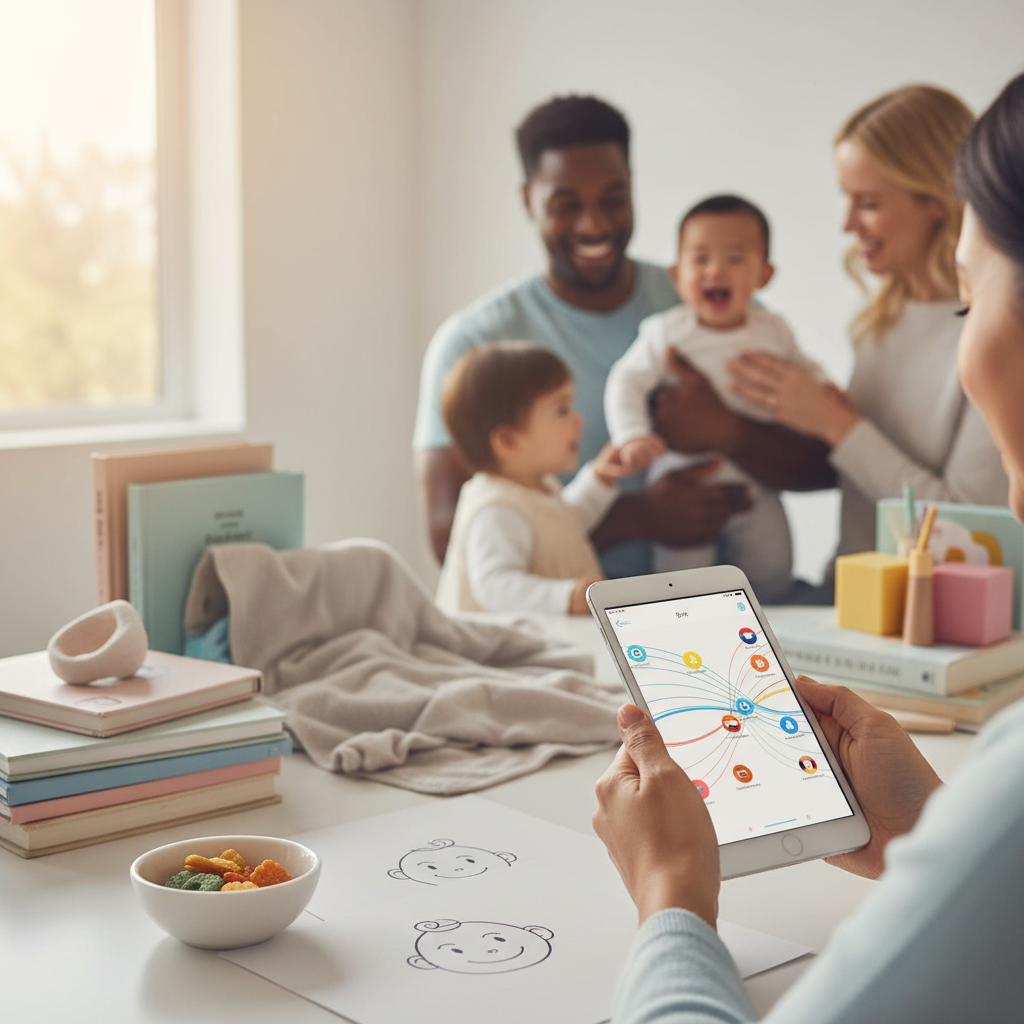
ParAI's family sharing keeps all caregivers in sync with real-time data, so nobody has to guess or text "when did she last eat?"
Why Family Sharing Matters
- No more guessing — every caregiver sees the last feeding time, nap duration, and diaper change instantly
- Consistent routines — SmartSpot predictions work for everyone, not just the primary logger
- Better handoffs — when you leave baby with grandma, she sees the full day's history
- Shared AI insights — weekly analysis and Sleep Coach plans are visible to all caregivers
- Less conflict — data removes the "I thought you fed her" miscommunications
How to Invite Caregivers
- Open ParAI and go to Settings → Family Management
- Tap "Invite Caregiver"
- Choose the child to share
- Select permission level: View or Edit
- Share the invite link via text, email, or any messaging app
- The caregiver opens the link, creates their own ParAI account (or signs in), and accepts
That's it — they'll immediately see the child's data and can start logging (if given edit access).
They don't need a paid plan
Invited caregivers don't need their own subscription. Your plan covers sharing. They get access to all features your plan includes — if you're on Premium, they see SmartSpot predictions and AI insights too.
Permission Levels
| Permission | View | Edit |
|---|---|---|
| See all logged activities | ✅ | ✅ |
| See SmartSpot predictions | ✅ | ✅ |
| See AI insights & reports | ✅ | ✅ |
| Log new activities | ❌ | ✅ |
| Edit/delete activities | ❌ | ✅ |
| Use AI chat | ✅ | ✅ |
| Manage child profile | ❌ | ❌ (owner only) |
Common Use Cases
Partner (Edit access)
Both parents log activities throughout the day. Night shift parent logs the 3am feeding; morning parent sees it and knows when to expect the next one. SmartSpot predictions stay accurate because both parents contribute data.
Grandparents (View or Edit)
Give grandma view access so she can check the schedule before babysitting. Or give edit access if she watches the baby regularly and needs to log feedings and naps herself.
Nanny / Daycare (Edit access)
Your nanny logs everything during the day. When you pick up your child, you see the full day's activities — no need for a handwritten note or end-of-day text.
Co-parenting (Edit access)
Separated parents can both track and see their child's data regardless of whose house the child is at. Consistency across households helps maintain routines.
Tips for Success
- Start with your partner — get both parents logging from day one for the most accurate predictions
- Use natural language — caregivers who aren't tech-savvy can just type "bottle 120ml" instead of navigating menus
- Set expectations — tell caregivers what to log (everything? just feeds and sleep?)
- Check the dashboard together — review weekly AI insights as a team
The more people log, the smarter SmartSpot gets
SmartSpot predictions improve with consistent data. If grandma watches the baby every Tuesday but doesn't log, there's a gap in the pattern. With family sharing, everyone contributes to better predictions.
FAQ
How many caregivers can I invite?
Free plan: 1 caregiver. Pro plan ($4.99/mo): unlimited caregivers. Premium plan: unlimited caregivers with shared AI prompts (500/week split across the family).
Do caregivers need to pay for ParAI?
No. Your subscription covers all invited caregivers. They download ParAI for free, create their account, and accept your invite. They get access to all features your plan includes.
Can I remove a caregiver later?
Yes. Go to Settings → Family Management → tap the caregiver → Remove. They immediately lose access to the child's data.
Can caregivers see data for all my children?
No. You invite per child. You can give grandma access to your toddler but not your newborn, or give your nanny access to both. Each invitation is child-specific.
Does it work across iPhone and Android?
Yes. ParAI syncs across both platforms. You can be on iPhone while your partner uses Android — data syncs in real-time regardless of device.
What happens if two people log at the same time?
Both entries are saved. If there's a duplicate (e.g., both parents log the same feeding), either can delete the extra entry. The app doesn't auto-merge — it's better to have a duplicate than miss a log.
Experience AI-Powered Parenting with ParAI
SmartSpot predictions, natural language logging, AI Sleep Coach, and personalized insights — all in one app. See what AI can do for your family.